For more details about this asset: Click Here
This is a paid asset, but now you can download Distingo for FREE, Please keep in mind this package is provided only for learning purposes or to be able to test before buying the product, NOT FOR COMMERCIAL PURPOSES.
Distingo v1.4.4
“Sharing is caring”
Distingo is a shader package that will give you more control over your terrain textures.
You will have dynamic access to a number of attributes for each texture used in your terrain.
There is a near and far UV multiplier to help reduce tiling in your terrain textures. This is also controlled by a master near and far cut off giving you even more control. You can even have the terrain render the cut off values so you can see how they graduate over distance.
The ability to increase the power of the normal maps, this can result in stronger lighting effects on your terrain textures.
Apply occlusion maps to texture layers and also use a slider to control how much to occlude.
Directly alter the smoothness and metallic attributes of the textures too.
A brightness multiplier can be added to each texture channel should you want to make a given texture channel lighter.
You can also apply a blend texture to the entire terrain, this can be used for example with a flow map to accentuate water flow on the terrain.
With the blend texture mode you can also apply a global occlusion map too.
Now supports Mesh Terrains!
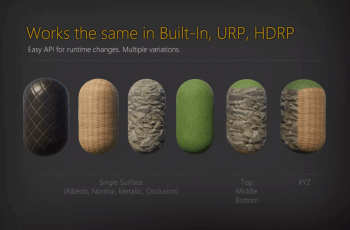
Now supports Tri-planar rendering!
Supports Standard PBR and Standard Specular PBR lighting models
Material support (Substance) for Mesh Terrain Shaders.
Screen shots are not taken from the demo scenes as Gaia has been used to create them, but all screen shots are using Distingo.
Online Documentation
Forum
Distingo is also Gaia extension ready and recommended by World Creator
Note: Shader Model 4 is required. This means DX9 is not supported, it has only been tested on PC.
Also, due to the nature of the Unity Terrain Engine, it is not possible to know when textures greater then 4 are applied, so the Distingo textures channels have cross over, you can read more about this in the on-line documentation in the link above.