This is a paid asset, but now you can download VertPaint for FREE, Please keep in mind this package is provided only for learning purposes or to be able to test before buying the product, NOT FOR COMMERCIAL PURPOSES.
For more details about this asset: Click Here
VertPaint v1.1.2 (Latest version)
VertPaint v1.1.1
“Sharing is caring”
VertPaint is a simple little tool for painting vertex colors onto the meshes in your scenes.
You can paint, erase, modify, fill and invert the vertex colors of a mesh with intuitive controls and good performance. The VertPaint window includes tooltips for all of its settings, as well as a detailed help section (in form of a foldout at the top) containing more information about the controls and general usage of VertPaint.
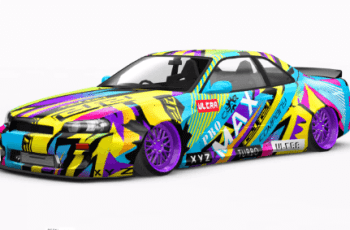
But VertPaint isn’t just a raw vertex color painting utility (although you can use it as one if you want to), it also ships with a nice set of custom vertex color blending shaders that vary from simple 2-way blends to complex height-based 4-way blends. These allow you to achieve advanced material blending fx as seen in the screenshots.
Also included is a generic shader prep utility useful for repacking your textures to comply to the VertPaint shader configuration (or any shader setup for that matter).
If you happen to like one or more brush configurations in particular, you can save out the entire VertPaint settings to reusable, well-formatted template files on disk. Loading templates is as easy as just dragging and dropping them into the field. There’s even a favorites list that allows you to keep track of the templates you use most and integrate them into your workflow for quick access.
The entire source code is included and written in simple, well commented C# for you to read, understand, modify and/or extend. It features detailed and extensive xml documentation that is fully compatible with IntelliSense.
Check out the official VertPaint related Unity forum thread or the VertPaint YouTube playlist for more information and subscribe to stay up to date with the latest release notes videos (one per update).