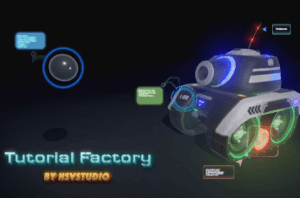
This plugin tool helps game developers and artists quickly build in-game interactive tutorials by providing easy and highly customizable ways to produce extraordinary informative tutorials.
For more details about this asset: Click Here
This is a paid asset, but now you can download the “Tutorial Factory” for FREE. Please keep in mind that this package is provided only for learning purposes or to test before buying the product, NOT FOR COMMERCIAL PURPOSES.
Tutorial Factory v1.30
“Sharing is caring”
Description
Interactive tutorial is always the best solution for showing users how to use your app or game. Normally, game developers and artists would spend a lot of time on reworking scene to demonstrate how their products work.
Tutorial Factory exists to serve developers and artists by providing customizable settings and configurations to create informative instruction and tutorial. No programming knowledge is needed in order to use this Editor extensions. All the work could be done through Tutorial Factory’s in Unity Editor.
Technical details
Tutorial Factory supports multi stages and tutorial steps. Each stage may contain as many tutorials as you want.
Each tutorial step could track multi targets at the same time, even they are out of screen.
Built-in modules’ settings could be modified to suit your need.
Tutorials could be triggered through collider, trigger and pointer events.
Capable of tracking mesh scene objects and UI elements.
Easy work flow to create tutorials for existing scene.
Users could use other plugin to achieve better transition results, such as Dotween.
Compatible with URP and Built-in render pipeline.
Compatible with all Unity supported platforms, including mobile.
No programming is needed.
Supports:
Dotween
TextMesh Pro
Documention
Forum Discussion
Setup Guide Videos
Discord
If you have any question, feel free to send email to [email protected] or join Discord.