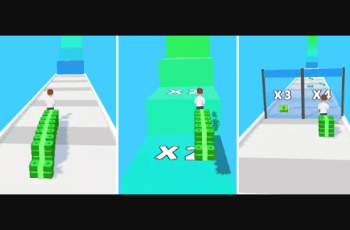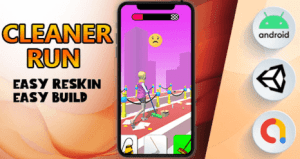
Popular Hyper HC Casual game. Simple rules and Easy control. Various desgin and colorful graphic. Smooth and delicate animation…
For more details about this asset: Click Here
This is a paid asset, but now you can download the “Cleaner Run | Hypercasual Game” for FREE, Please keep in mind this package is provided only for learning purposes or to be able to test before buying the product, NOT FOR COMMERCIAL PURPOSES.
Cleaner Run | Hypercasual Game v1.0
“Sharing is caring”
Requirements
Open Project Into : Unity 2021.3.xxxf (LTS) (Last 2021 version in Unity Hub)
– Change the package name
– How to Change Graphics game.
– How to change the Admob Banner,and Interstitial ID .
✅ Key Features
➊ Easy to customize graphs displayed
➋ Easy to edit and reskin
➌ Optimized for Mobile
➍ ADMOB INTEGRATED EASY
➏ Universal (phone & tablet)
➐ Full documentation
– FEATURES –
.C# Clean Code
.Easy Switch other platforms IOS and Android. .Advanced 3D graphics and effects and sound. .Hyper Casual Genre
.Admob Banner
.Admob Interstitial
.Trend Game mechanics
.Easy reskin all in-game assets.
.Replaceable material system
– After open Build Settings >> Player Setting >> Change your icon , Game Title and Bundle Id.
– You complete first step after Open AdManager Scripts (You can see Screenshot in Document folder)
– You can change Admob ID in AdManager.cs script >>> Follow this step :
– Create Admob App and Interstitial , Banner ID and put your ID in this script field.
– You can find and change many game related settings in this area. -You can reskin other images and models. You find GameSource >>Graphs
– You can change all in game settings GameManager Field
– You can edit the All Scripts File in Visual Studio Code Example GameManager.cs all game methods
All codes used in game production have been created according to current engineering rules.
It is written for your understanding in the simplest and most legible way.
It is compatible with all current devices on the IOS and Android platform.