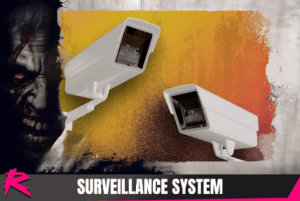
This pack includes a simple surveillance system that allows you to select and see through different surveillance cameras placed in your scene.
For more details about this asset: Click Here
This package is provided solely for evaluation, learning, or testing purposes before purchase and is not permitted for commercial use.
Retro Horror Template – Surveillance System v1.1 (Latest version)
“If possible, please buy the package to support the developer”
Description
This pack includes a simple surveillance system that allows you to select and see through different surveillance cameras placed in your scene. This pack includes a custom shader and different example effects to use on your cameras (Grayscale, VHS, night vision, etc..)
This add-on requires the latest version of Retro Horror Template.
Adding the Surveillance System to your scene
To add a surveillance computer to your scene simply drag and drop the prefab SurveillanceSystem from HorrorEngine/Addons/Surveillance/Prefabs into your scene.
This will include an interactive object to your scene which will bring up a computer UI on interaction showing up a list of cameras (or empty if these haven’t been setup yet)
Adding a camera to your Surveillance System
To add a new camera. Drag and drop the prefab SurveillanceCamera from HorrorEngine/Addons/Surveillance/Prefabs into your scene.
Rotate and place the camera at the POV you want it to cover.
Assign your new camera in the Camera list of your scene’s SurveillanceSystem instance. This way it’ll show up as selectable in the PC list.
Changing camera effects
When a camera is selected in the PC it has a VHS or night vision effect applied to the texture. This effect is provided on the camera instance.
There are different materials included, all with the prefix CameraEffect_. You can also duplicate this material an play with the exposed shader parameters to achieve a different look.